

In this release, we focused on making your documentation easier to reuse and more pleasant to read. You can now copy any article as clean Markdown, and the page layout has been refined so headings and descriptions are clearer and more readable across devices.
New Markdown copy and refreshed docs layout
Documentation pages now include a Copy as Markdown button in the header, available both next to the title on desktop and below the description on mobile.
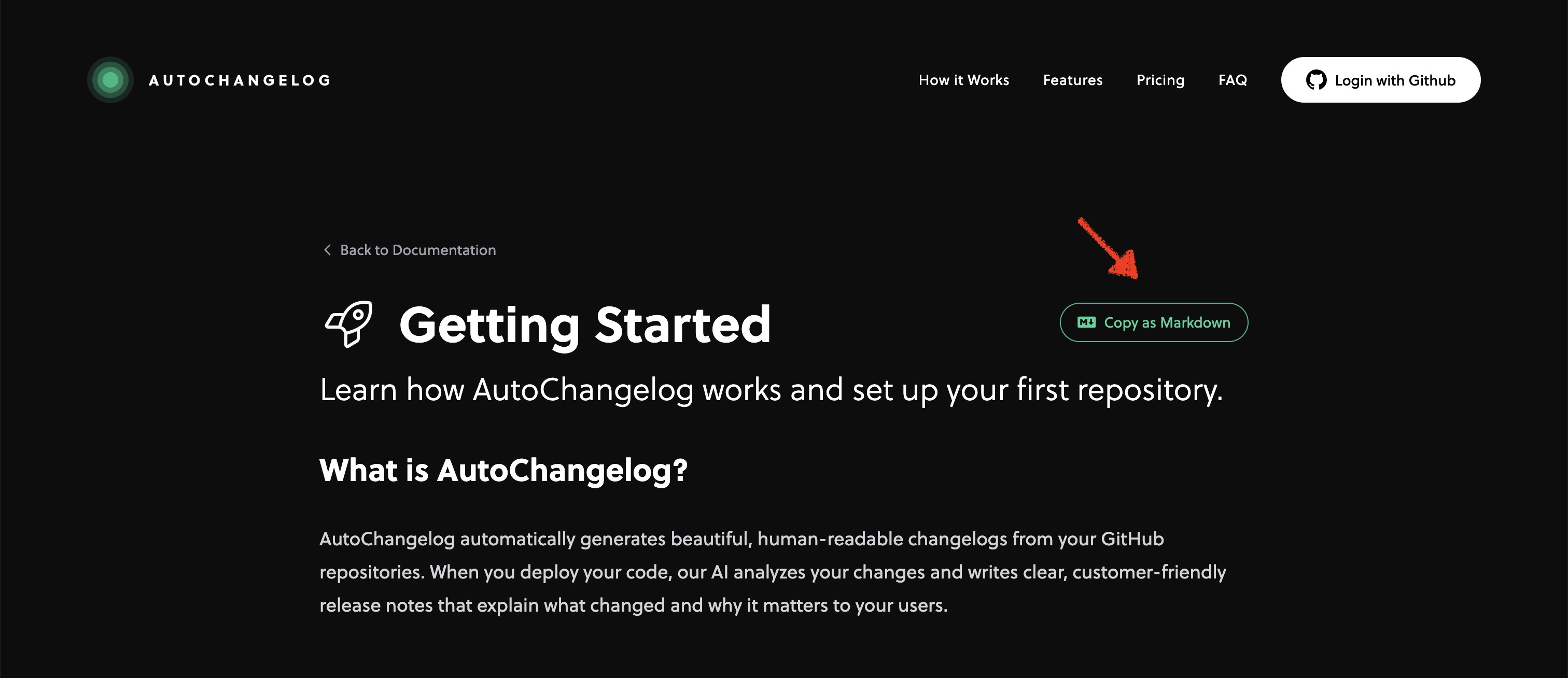
When clicked, it copies the full article content as formatted Markdown, including headings, lists, links, emphasis, inline code, code blocks with language detection, and blockquotes. Button labels, code block language tags, and other UI elements are excluded so you get a clean, ready-to-use Markdown version of the article.
The docs header has also been visually upgraded so content is easier to scan at a glance. Article titles are larger on both mobile and desktop, and the description text now uses a bigger size, higher contrast colors, and a lighter font weight for a more readable and elegant introduction to each page.
Finally, article descriptions in the docs index have been polished for consistency for a more complete and professional feel. Together, these updates make the documentation more comfortable to read.